 Oculyn
See what your apps hide.
Oculyn is a mobile security app for Android. With one tap it checks every app installed on your phone for hidden spying, stalkerware, risky permissions, trackers and weak security settings, and shows which apps use the most storage and battery, all explained in plain English.
Free to use. Your first full scan is free; more scans use coins you earn by choosing to watch short ads.

How Oculyn protects your phone
Four steps, all started by you. Nothing runs in the background and nothing is changed without your confirmation.
Scans every app on your phone
Oculyn reads each installed app's permissions, special access, embedded tracker SDKs and code facts on your phone. Your messages, photos and files are never read.
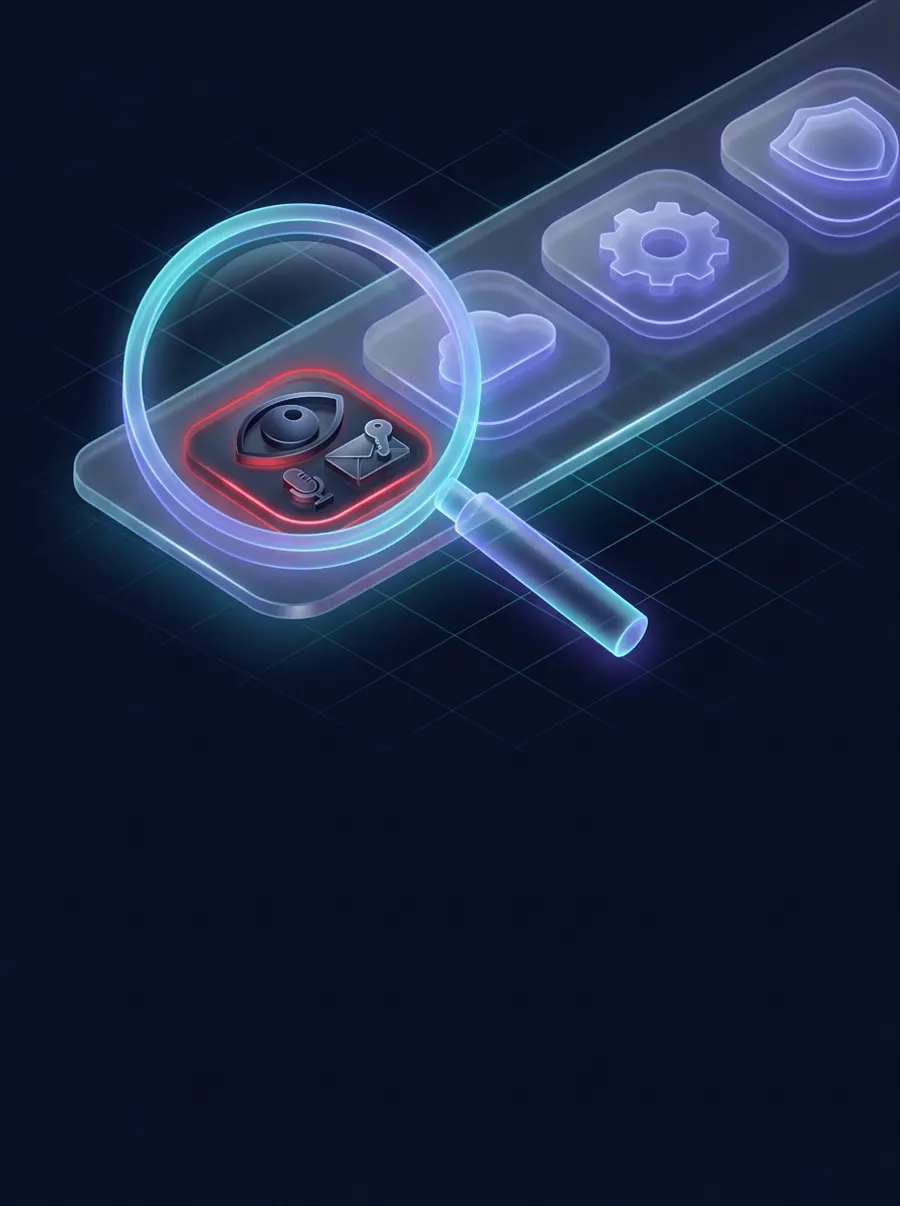
Finds apps that secretly spy
It spots stalkerware, apps that hide their icon after install, and apps that really use SMS / OTP or call access, not just apps that hold the permission.

Explains every verdict with AI
An AI security analyst reviews only the app facts and returns a clear verdict for each app, with the reasons and a one-line recommendation.
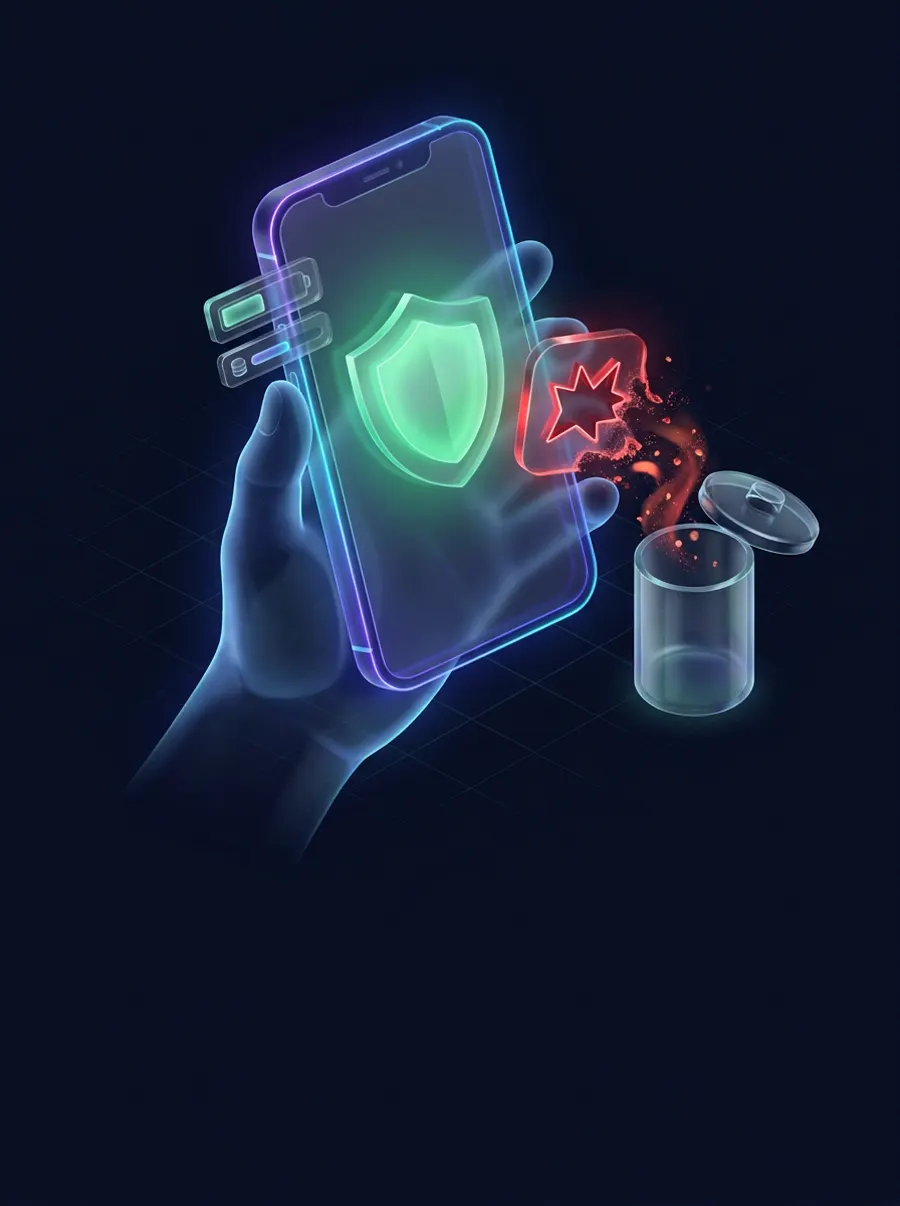
Keeps you in control
Remove a risky app in one tap (Android always asks you to confirm), and see which apps use the most storage, battery and memory. System apps are never touched.
What Oculyn checks
Every app gets one of four clear results:
Hidden spying
- Known stalkerware (public indicator lists)
- Apps that remove their own icon after install
- Apps that wake on every SMS or call
- Uploads while you never open the app
Privacy & trackers
- Sensitive permissions and special access (accessibility, notification access, device admin)
- Embedded advertising and analytics SDKs
- Servers and raw IP addresses found in code
Storage, battery & memory
- Which apps take the most storage
- Estimated battery and RAM impact from usage time and background activity
- Data each app sent in the last 7 days
Privacy and Google Sign-In
Why we ask you to sign in with Google
Signing in creates your Oculyn account so your free scan, coins and any premium plan stay with you, even if you reinstall the app or change phones. We only receive your name, email address and profile photo from Google. We never get your password and never access your Gmail, Drive, contacts or anything else.
What leaves your phone
Only facts about installed apps: package name, version, permissions, trackers, servers found in code and coarse usage buckets. These are analysed to produce the verdicts. Your messages, call logs, contacts, photos, files and location are never read or uploaded.
Ads and your choices
Oculyn shows ads only when you tap “Watch ad” to earn a coin. Ads are served by Google AdMob. You can delete your account and data at any time by emailing us. Full details are in our Privacy Policy and Terms and Conditions.
Frequently asked questions
Does Oculyn need root or special setup?
No. Oculyn works on normal Android 7.0 and newer. It asks for “Usage access” so it can estimate storage, battery and data use per app; everything else is standard.
Will Oculyn delete apps on its own?
Never. It only offers an Uninstall button for apps you installed yourself that are rated Threat, and Android always asks you to confirm. System apps are never removed.
Is a “Review” or “Security notes” result a sign the developer did something wrong?
No. These results describe what an app can access based on its permissions and code. They are not a claim that any developer misuses data; they help you decide which access you are comfortable with.
Can the AI be wrong?
Yes. Results come from AI and automated checks, and AI can make mistakes or “hallucinate”. Treat every result as advice, check the app yourself, and decide on your own whether to keep or uninstall it. Deleting an app is entirely your own responsibility. See our Terms and Conditions.
How much does it cost?
Oculyn is free. Your first full scan is free, and further scans use coins you earn by watching optional short ads. Coins have no cash value.
How do I contact you or delete my data?
Email [email protected] from the address you signed in with and we will delete your account and data within 30 days.
Get Oculyn
Oculyn is coming to Google Play for Android 7.0 and newer. Package name: com.pvpsbox.oculyn.